









Oil & Gas

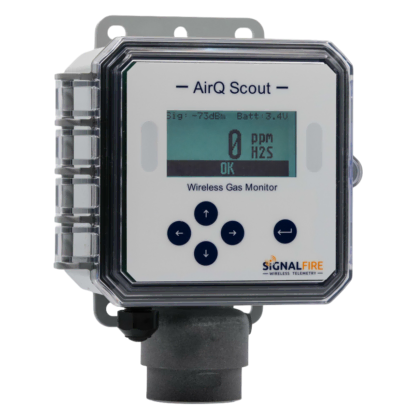
SignalFire Telemetry products connect you with crucial product and hardware data at any of your oil and gas operation sites—whether it’s a pump, pipeline, or storage tank.

Water & Wastewater

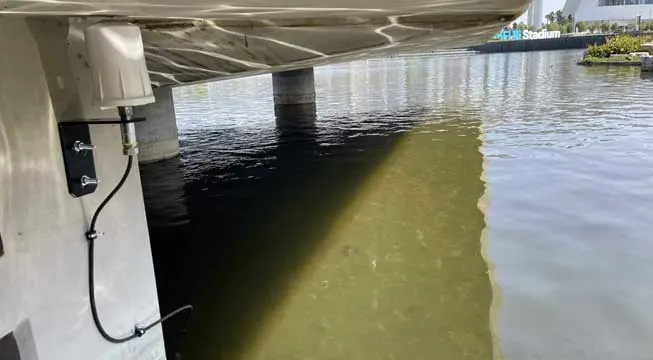
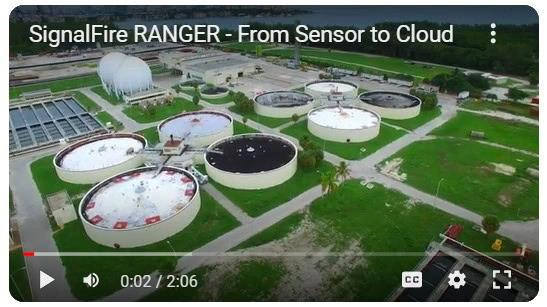
SignalFire Telemetry devices install anywhere water asset monitoring is needed, whether it’s for collection purposes, treatment, or delivery.

General Industrial

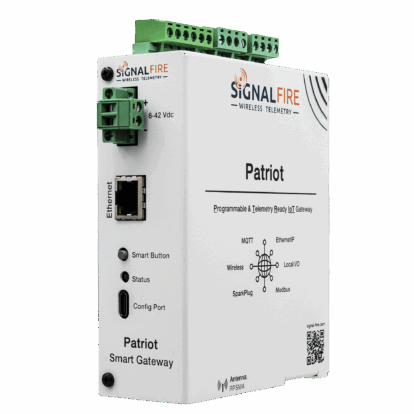
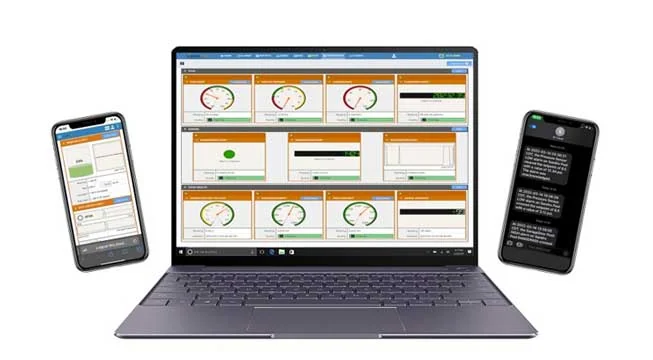
SignalFire Telemetry devices can monitor key assets and can do it affordably, without any renovation or high-priced engineering costs. They install easily with no required cable or additional power. The data is available on your phone or computer and the cloud service can even output to your corporate system to integrate with the rest of your data and keep your operation running.

Agriculture

SignalFire Telemetry devices can monitor and manage water supplies and additives throughout the property, helping you avoid catastrophic shortages and keep your irrigation plan on track.

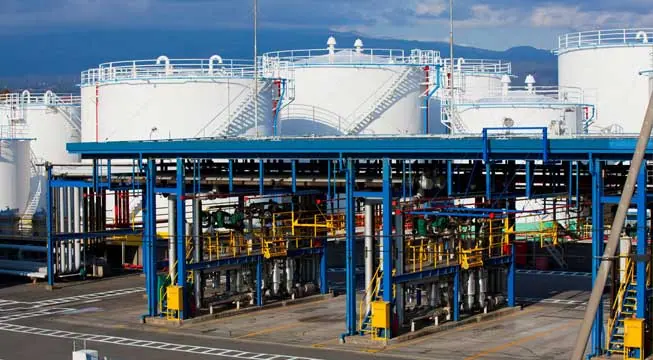
Tanks & Terminals

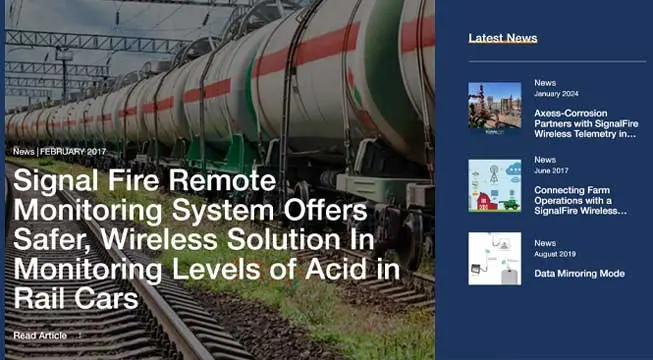
Avoid costly product loss in bulk storage tanks, terminals, and transportation movements. Whether calling for tank levels, gauge pressure, or even movement pumps or pipelines, SignalFire products can fill any monitoring gap throughout a facility.

Environmental

Environmental fines for businesses are frustrating and can bring business to a standstill until they’re worked out. No business wants to hurt the environment, and in competitive markets stopping production affects the bottom line and staff. But there are effective and affordable solutions with SignalFire Telemetry devices.

Refining & Petrochemical

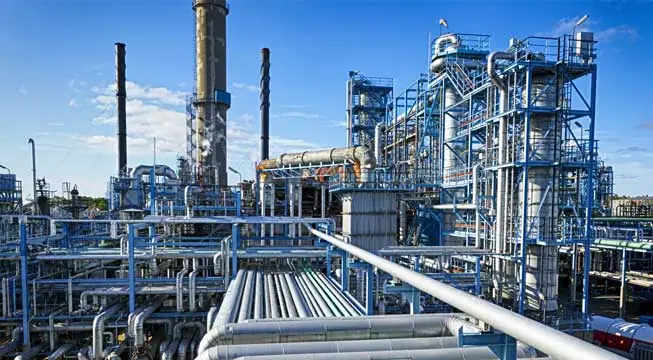
Expand visibility and control of your refinery or petrochemical processing facility without expensive renovations or redesigns. And do it with your current gauges and hardware. SignalFire telemetry devices are designed to work in harsh chemical environments and meet the strictest safety and security standards

Utilities

No matter the size of your service map, monitoring remote assets ensures efficiency and keeps your operation in compliance. That’s how SignalFire devices can really help, offering the most affordable and effective monitoring solution that will monitor liquid, gas, electricity, and other assets.

Document Center

Browse all documentation pertaining to SignalFire products.

Cloud Setup

Have a RANGER? Set up your Cloud account here.

Case Studies

Explore the diverse applications of SignalFire Wireless Telemetry Systems across different industries.

Brochures

Access our latest brochures to explore comprehensive information about our products and services.

Commonly Supported Sensors

Easily find the sensors that are compatible with our systems on this dedicated page.

Photos

Explore a comprehensive collection of images showcasing our products, installations, and real-world applications.

News & Articles

Stay up to date with the latest content from SignalFire.

Videos

Explore our video library.

Software Downloads

Get access to the RANGER and SignalFire Toolkit Software.

Contact Tech Support

News – September 14, 2026

New Feature: Phone Alarms Now Available in SignalFire Cloud


When an alarm event occurs at a remote asset, receiving the right information quickly can make a difference.

SignalFire has added a new notification option to SignalFire Cloud: Phone Alarms.

With this new feature, SignalFire Cloud works like an auto-dialer to alert users to critical alarms, automatically placing a phone call when a configured alarm event is triggered. When the call is answered, an audible description of the alarm event is played, giving users immediate information about what is happening at the monitored location.

Another Way to Receive Critical Alarm Notifications

SignalFire Cloud helps users remotely monitor connected assets, view operational data, configure alarms, and manage SignalFire RANGER devices from virtually anywhere.

With the addition of Phone Alarms, users can now choose from multiple ways to receive alarm notifications:

  • Phone calls
  • SMS text messages
  • Email notifications

This gives organizations greater flexibility in determining how individual users should be notified when monitored conditions require attention.

Phone Alarms can also be used alongside SMS and email notifications, allowing users to select the combination that works best for their role and application.

How Phone Alarms Work

When a configured alarm event is triggered in SignalFire Cloud, the platform can automatically call users who have Phone Alarms enabled. Once the call is answered, an audible description of the alarm event is played.

This auto-dialer functionality provides another way to help ensure critical alarm conditions get noticed, especially in situations where an email or text message may be missed.

For teams responsible for remote pumps, tanks, pressure systems, water infrastructure, industrial equipment, and other remote assets, Phone Alarms provide another way to stay informed when attention may be required.

Easy to Configure

Phone Alarms are enabled within the Alarm Contact Info section when editing a user in SignalFire Cloud. Users can enable Phone Alarms, enter the phone number where calls should be received, and select Send Test Phone Call to verify the setup.

SMS and email alarm settings are available in the same section, making it easy to customize notification preferences for each user.

Make Critical Alarms Harder to Miss

Remote monitoring is most valuable when important information reaches the right people at the right time.

With Phone Alarms now available in SignalFire Cloud, the platform can act like an auto-dialer for critical alarm events, giving users another layer of notification in addition to SMS and email.

Already using SignalFire Cloud? Log in today and enable Phone Alarms within your user settings.